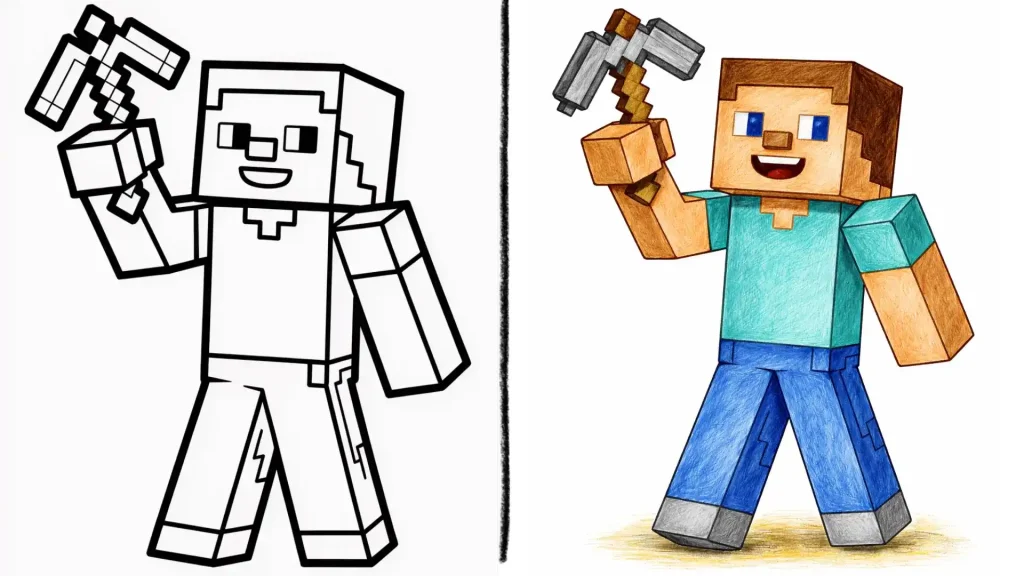
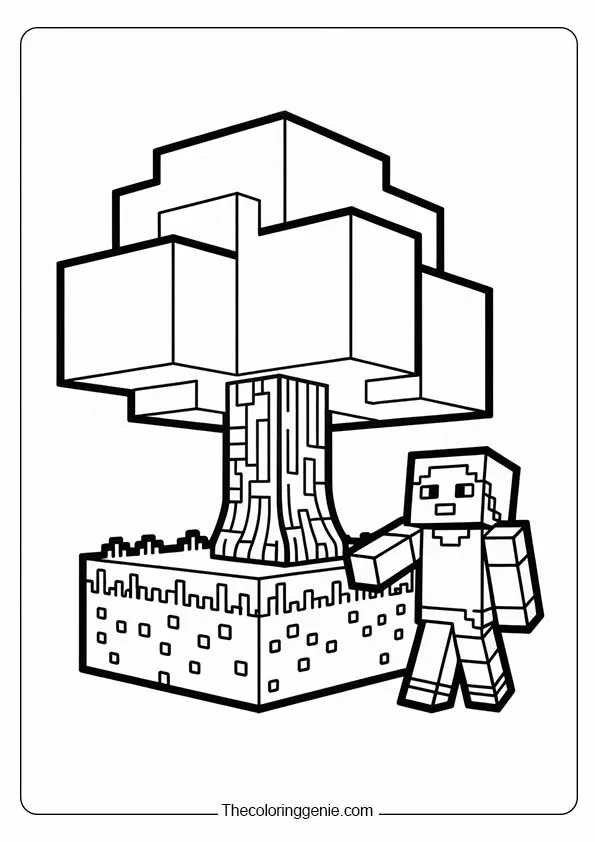
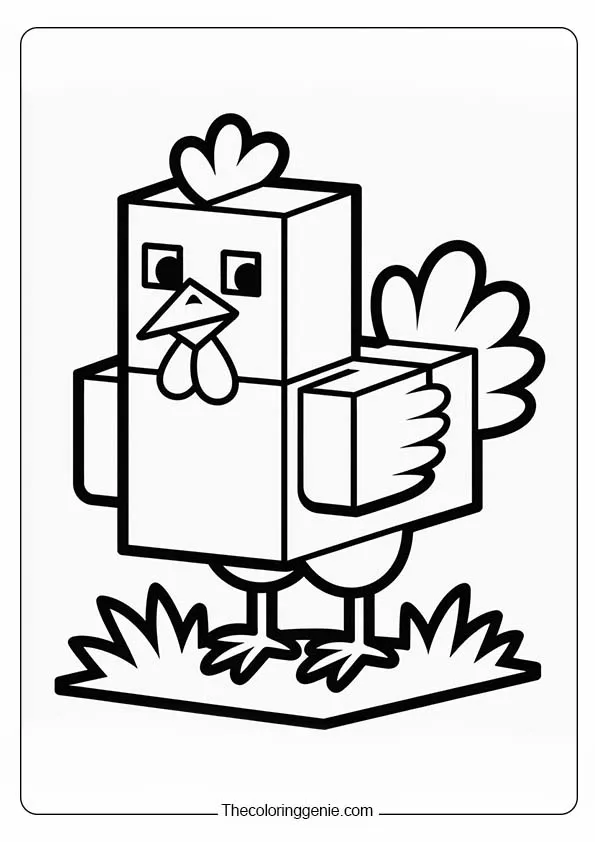
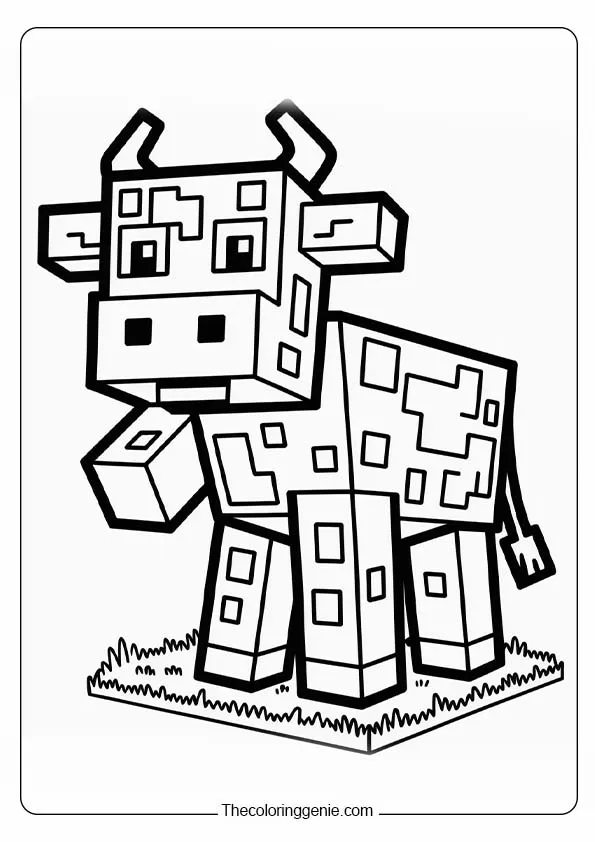
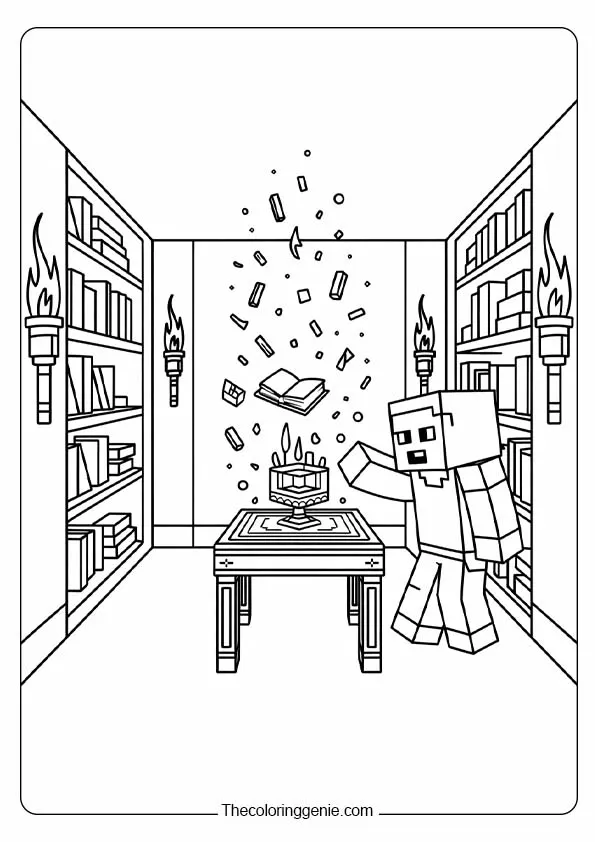
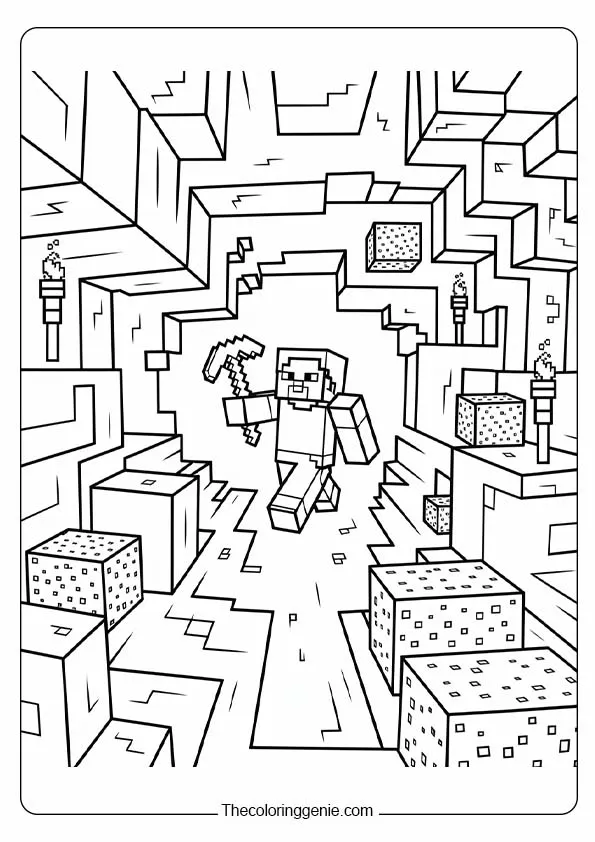
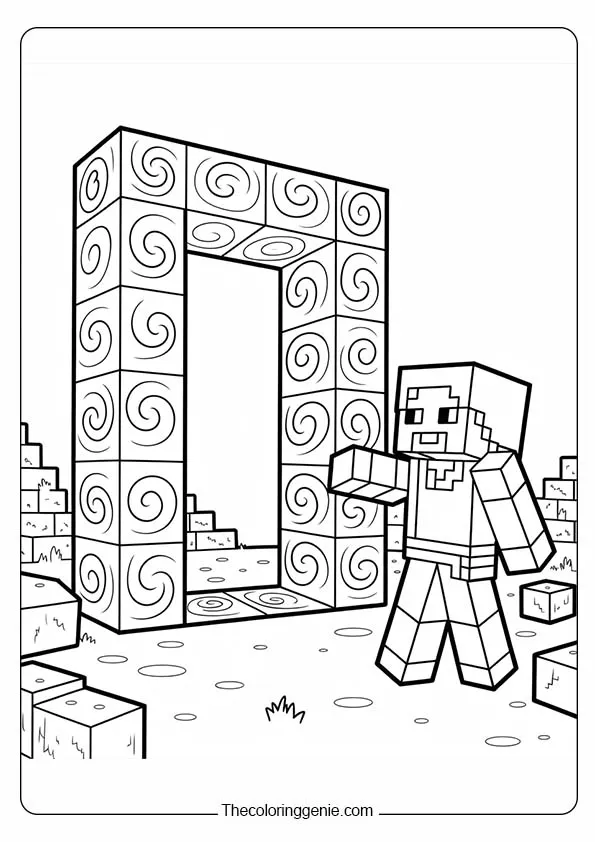
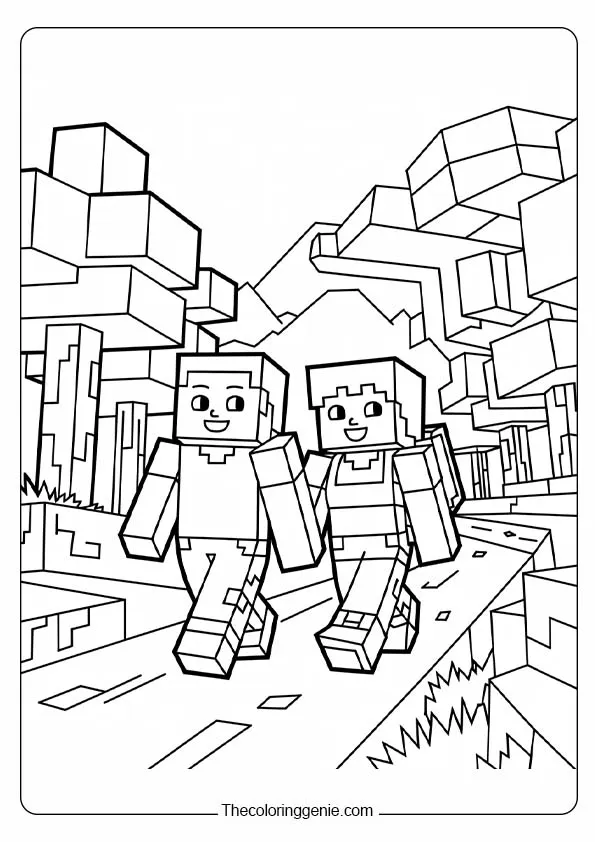
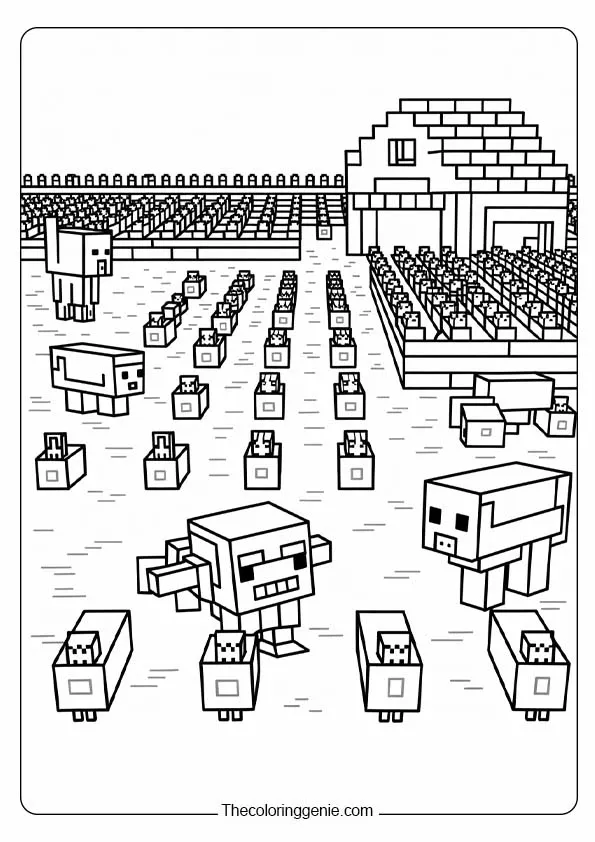
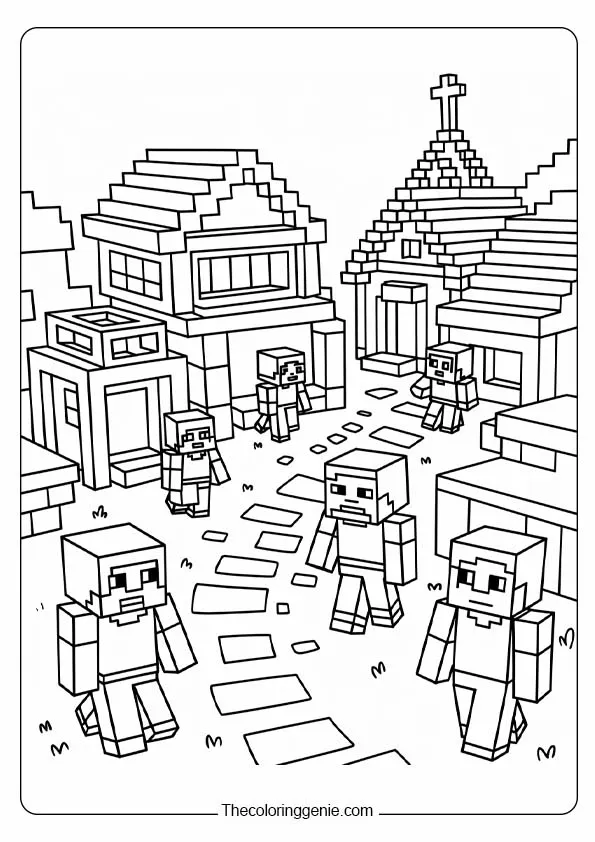
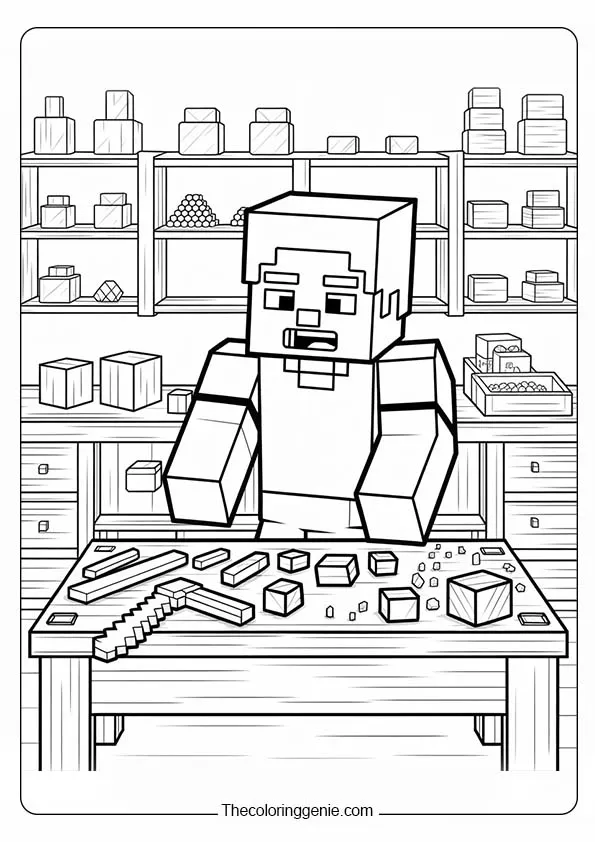
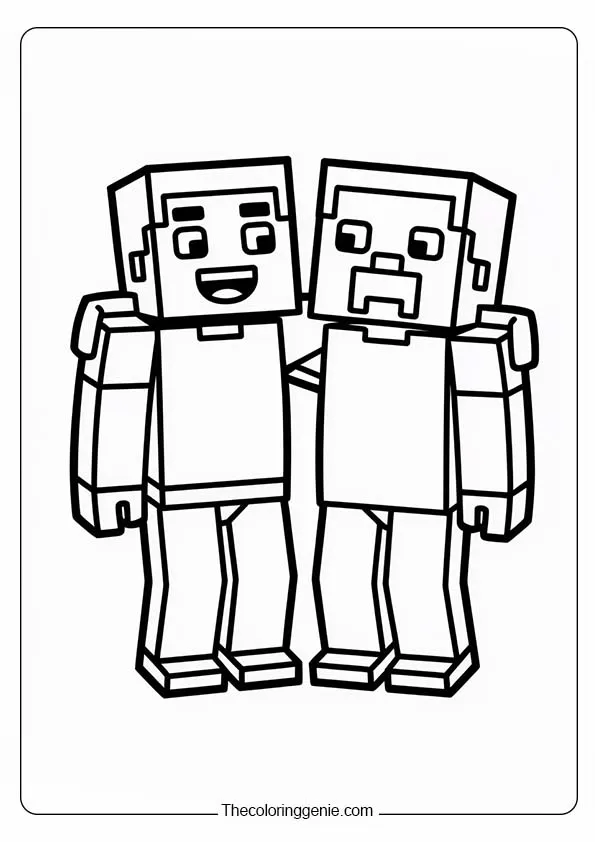
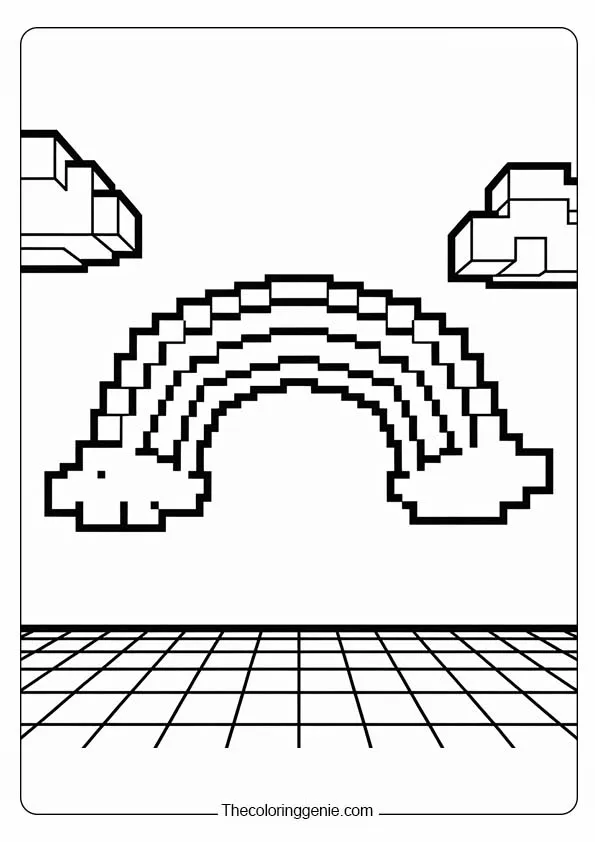
Your child already knows every mob by name. Probably knows their spawn conditions too. Minecraft’s 2026 updates brought Pale Hollows, a bioluminescent underground biome with pale vines and genuinely unsettling ambient sounds alongside Tiny Takeover, which gave every baby mob its own distinct model for the first time. All of that shows up in these free Minecraft coloring pages. Steve with his pickaxe, the Creeper looking deceptively calm, baby mobs in their new designs, and biome scenes that reward anyone willing to commit to a full background.
The Creeper was designed to feel crunchy, like dry leaves. It walks up behind you without a sound and explodes. Every Minecraft player knows that feeling. These pages print with sharp, clean lines, no gray smudging, no blurry outlines, so your child gets the block edges exactly as crisp as the game itself.
Free Minecraft Coloring Pages
These free Minecraft coloring pages run from a single cheerful Steve page your three-year-old finishes in ten minutes to dramatic Nether and Pale Hollows scenes that give older kids something worth sitting with. Every printable Minecraft coloring page is a high-resolution PDF, and lines stay sharp at standard home printer settings without adjustment.
Minecraft’s pixel block aesthetic looks simple. Getting it right on paper requires one specific decision made before your child picks up a single marker. These tips will help you get the most out of every Minecraft coloring page in this collection.
Get the Character Colors Right Before You Start
Steve: blue shirt, gray trousers, brown hair
Alex: orange hair, teal shirt
Creeper: lime green body, darker green pixel face, not yellow-green, specifically lime
Enderman: deep charcoal gray with purple particle effects
Warden: dark blue-gray with a glowing blue chest
Tiny Takeover baby mobs: same species palettes as adults, just on rounder, newly redesigned models
Kids aged 4 to 7 do best keeping each section one flat solid color. That is exactly how Mojang’s artists designed them, and it looks right because of it.
Right Tool, Right Age, Right Paper
Under 5: fat crayons on the simple character pages. Steve and Creeper have the largest block sections in this collection. Your child gets a finished character in under ten minutes.
Ages 6 to 9: washable markers on scene and biome pages, color one character at a time to prevent bleeds where they overlap
Ages 10 and up: colored pencils on the detailed biome pages, a slightly darker edge on each block square creates a convincing 3D voxel effect
Print quality matters here. At The Coloring Genie, we tested these pages on standard 80gsm paper versus cardstock and found that fine block edge lines bleed significantly with markers on thin paper. The PDF format keeps lines sharp, and cardstock makes that sharpness count on the detailed pages.
Flat Fill Wins Blending Makes Minecraft Look Wrong
Most coloring habits involve blending and gradients. Minecraft fights this. The game’s entire visual identity is built on flat voxel blocks with hard edges and no texture blending. Blending on a Minecraft page makes it look wrong, even when the technique itself is skilled. At The Coloring Genie, we noticed kids who tried shading their Creeper pages were less satisfied every single time compared to kids who used clean, flat fills. One color per block section. Clean edges. Done.
Things To Do With Finished Minecraft Pages
The Biome Expert Wall Classroom Activity
Print one biome page per student: overworld, jungle, desert, Nether, deep dark, and the new Pale Hollows with its bioluminescent fungi and pale vines. Each student colors their biome and writes three facts on the back. Display together as a Biome Expert Wall.
Ties into lessons on ecosystems, light levels, habitat diversity, and game design logic
The Sulfur Cube mob from the upcoming Chaos Cubed drop absorbs blocks and changes behavior based on what it consumes, a natural conversation starter about cause and effect.
Contrast between a sunlit overworld page and a glowing Nether scene always generates genuine discussion.
Parents who tried this at home told us the display stayed up far longer than expected — the kids kept adding new pages every time a friend came over.
Minecraft Gallery Wall Home Craft
Color the Steve page, the Creeper page, and a biome scene over one afternoon with your child. Trim and mount all three in simple black frames; blocky pixel art looks surprisingly strong as bedroom wall decor.
Parents who made this told us the Creeper page always gets the most comments from visiting kids, followed immediately by someone demanding their own copy to color. Print, color, frame, and hang costs almost nothing beyond printer paper and basic frames.
FAQs
Are these Minecraft coloring pages free?
Yes, every page downloads for free. No account, no email, click and print.
What age are these pages for?
Simple character pages for ages 3 to 7, scene and biome pages for ages 7 to 12, and detailed landscape and mob pages for ages 10 and up.
Do these pages print clearly on a home printer?
Yes, every page is a high-resolution PDF with clean black lines. Print at standard quality settings, and the block edges stay sharp.
Can I use these in my classroom?
Yes, free for personal and classroom use. Print as many copies as your class needs.
About The Coloring Genie
Minecraft pages taught us something specific about the Creeper kids who have never played the game, color it last cautiously, after everything else. Kids who play Minecraft color it first, immediately, without hesitation. It is the most reliable way to tell who has actually loaded up a world. We put the Creeper page at the front of every Minecraft set for exactly that reason.
The Coloring Genie offers free printable coloring pages for kids, parents, and teachers. Enjoy fun, easy-to-print designs that support creativity, learning, and relaxing screen-free activities for all ages.